Mobile internet is not equally reliable in every clinic. Some chambers have poor indoor coverage, and some hospitals restrict connectivity.
An MR can prevent avoidable interruptions by preparing brand material before leaving for field work.
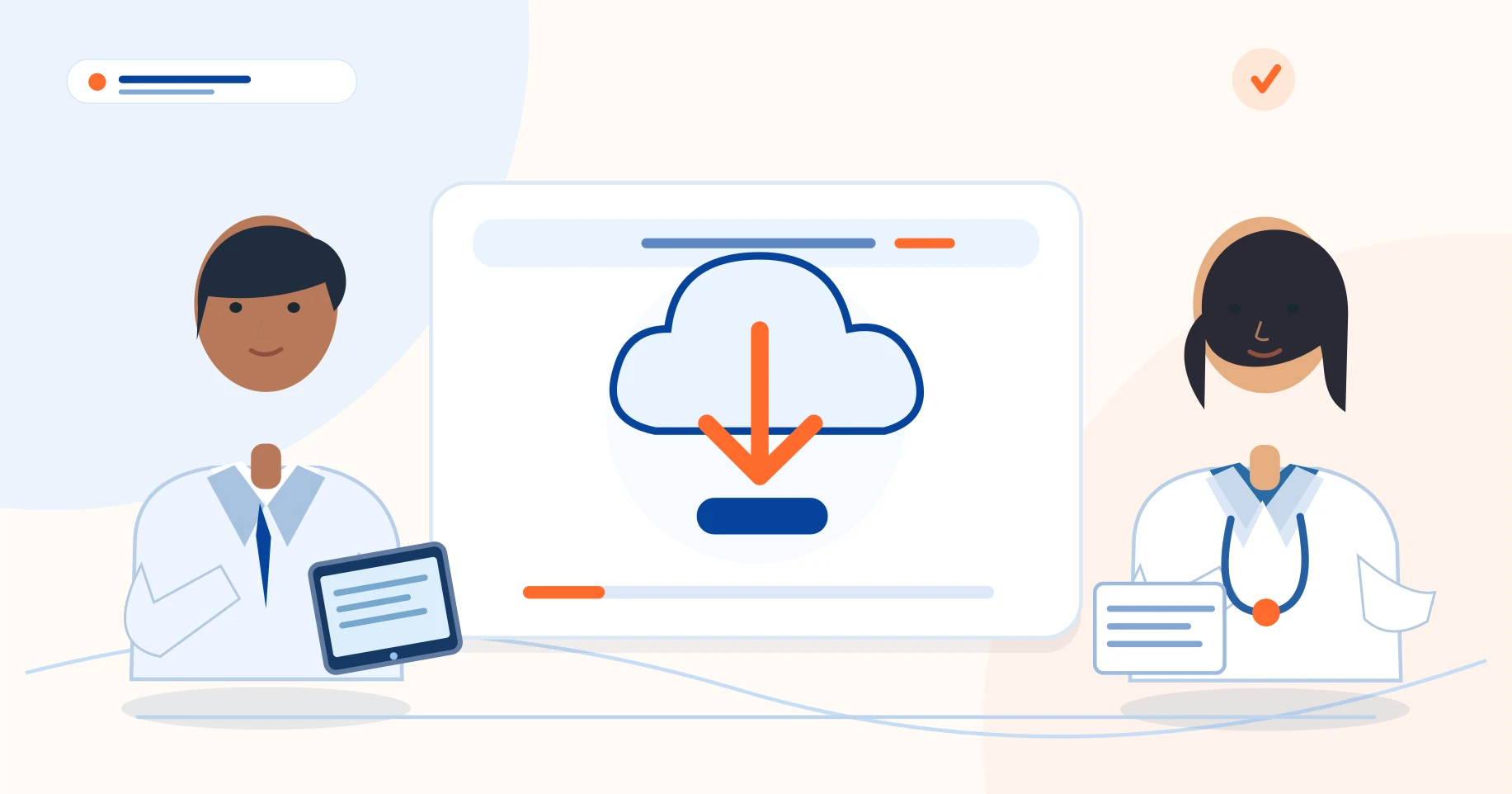
Offline readiness is a repeatable preparation habit, not a one-time software setting.
- Prepared content downloads confirmed
- Airplane-mode page test completed
- Device charged and storage available
Download the right pages in advance
Complete the initial setup while online. Open the correct company account, enable the supported offline mode and download the required visual-aid packs.
Verify that the displayed page count matches the content you actually need. Do not treat a successful download notification as a substitute for opening the pages and checking them.
Test without connectivity
Before an important launch or group detailing session, enable airplane mode and open the prepared visuals. Try page navigation, text readability and zoom.
Then return online and confirm whether updates synchronize correctly. A progressive web app or browser-based system may need its app shell already loaded; that limitation differs from a fully installed standalone offline application.
Keep sensitive materials under control
Offline storage is useful, but it means content is physically available on a device. Use the product's device-lock, PIN or encryption controls where supported.
Keep the screen locked between calls and follow company policy for lost devices, reassignment and old promotional artwork. Do not store patient-identifiable information in a detailing library.
Have a graceful fallback
Even a well-prepared app can be affected by low battery, an incomplete cache, storage restrictions or an unexpected logout. Keep a small, approved fallback for critical brand messages.
At the end of the day, reconnect and verify the status of any saved orders that were waiting for server synchronization.
- Prepared content downloads confirmed
- Airplane-mode page test completed
- Device charged and storage available
- Pending offline changes synchronized after reconnection
Offline readiness is a repeatable preparation habit, not a one-time software setting.

Pharmadigi — grounded in pharma field experience
Doctors Detailing is developed for pharma field workflows under the direction of Sandeep Kumar Soni, Pharma Business Consultant & Trainer. The field guides are prepared by the Pharmadigi editorial team and should be reviewed against your company policy before use.
Learn about Doctors Detailing →