An MR app can carry company product material, price information and contact details. That makes account management and device practices just as important as the visual design.
The right security questions are straightforward and do not require a technical department to ask.
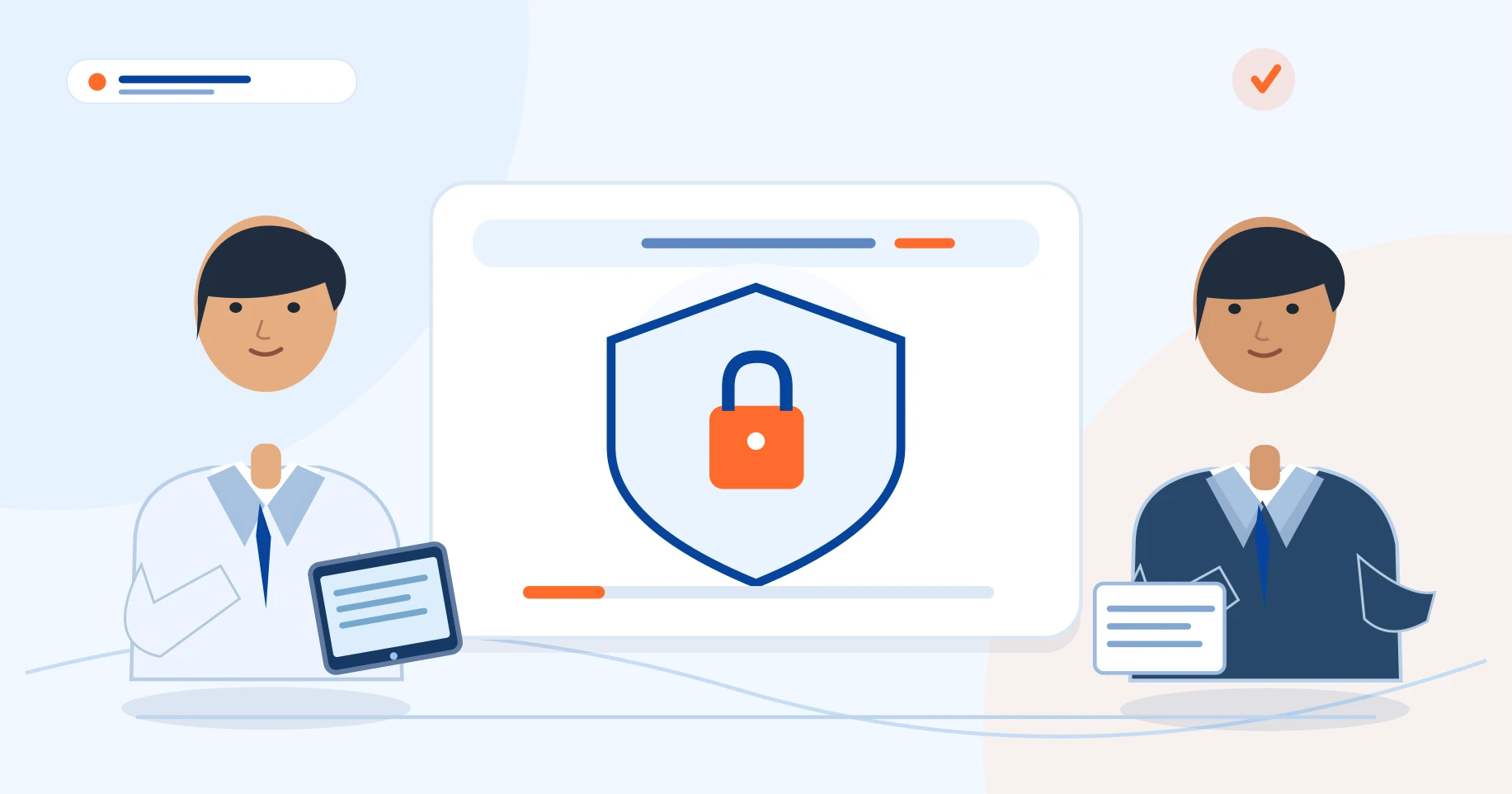
Good security begins with clear ownership and everyday processes, then relies on the product controls to support them.
- Company and MR role permissions reviewed
- Offline content handling understood
- Lost-device revocation procedure defined
Who can see or change what?
Ask whether a manager can view the whole company's workspace and whether a representative sees only their assigned information. Find out who is allowed to upload product artwork, edit prices, approve orders and add new users.
Permissions should reflect real responsibilities rather than making everyone an administrator by default.
Plan for a lost or reassigned device
Mobile devices can be lost or handed to another employee. Establish a process for revoking access, resetting credentials and removing downloaded content where supported.
If visual aids are cached offline, ask how they are protected, how long they remain locally available and what happens when an account is disabled.
Be careful with healthcare information
Routine product presentation should not require patient-identifiable information. If a company plans to collect doctor contact details, call notes or another category of personal data, define lawful purpose, access restrictions, retention and deletion rules.
Use your applicable privacy and pharma-compliance advisers where required; software features do not replace legal responsibilities.
Separate product claims from access claims
Words such as 'encrypted' or 'secure' are not sufficient audit evidence. Ask which data is protected in transit and at rest, which functions work offline and how changes are synchronized.
Request a practical demonstration of logout, permissions and the account-recovery process before rollout.
- Company and MR role permissions reviewed
- Offline content handling understood
- Lost-device revocation procedure defined
- Sensitive information minimized
- Backup, retention and export questions answered
Good security begins with clear ownership and everyday processes, then relies on the product controls to support them.

Pharmadigi — grounded in pharma field experience
Doctors Detailing is developed for pharma field workflows under the direction of Sandeep Kumar Soni, Pharma Business Consultant & Trainer. The field guides are prepared by the Pharmadigi editorial team and should be reviewed against your company policy before use.
Learn about Doctors Detailing →